WeatherXM Mobile Apps (iOS, Android & Solana)
The official WeatherXM Mobile App lets you onboard and manage weather stations, check hyperlocal weather and forecasts from the global network, monitor daily Data Quality (QoD v3), and claim $WXM rewards on the go. It is free to use even if you do not own a weather station yet.
Download the App


Installing on Solana Mobile (Seeker)
WeatherXM is natively listed on the Solana dApp Store:
- Open the Solana dApp Store app on your Solana Seeker device.
- Search for WeatherXM (or browse the DePIN category).
- Tap Install and sign in with your WeatherXM account — all station management, Bluetooth onboarding, SPV photo uploads, and rewards features work identically to the Google Play build.
App Previews
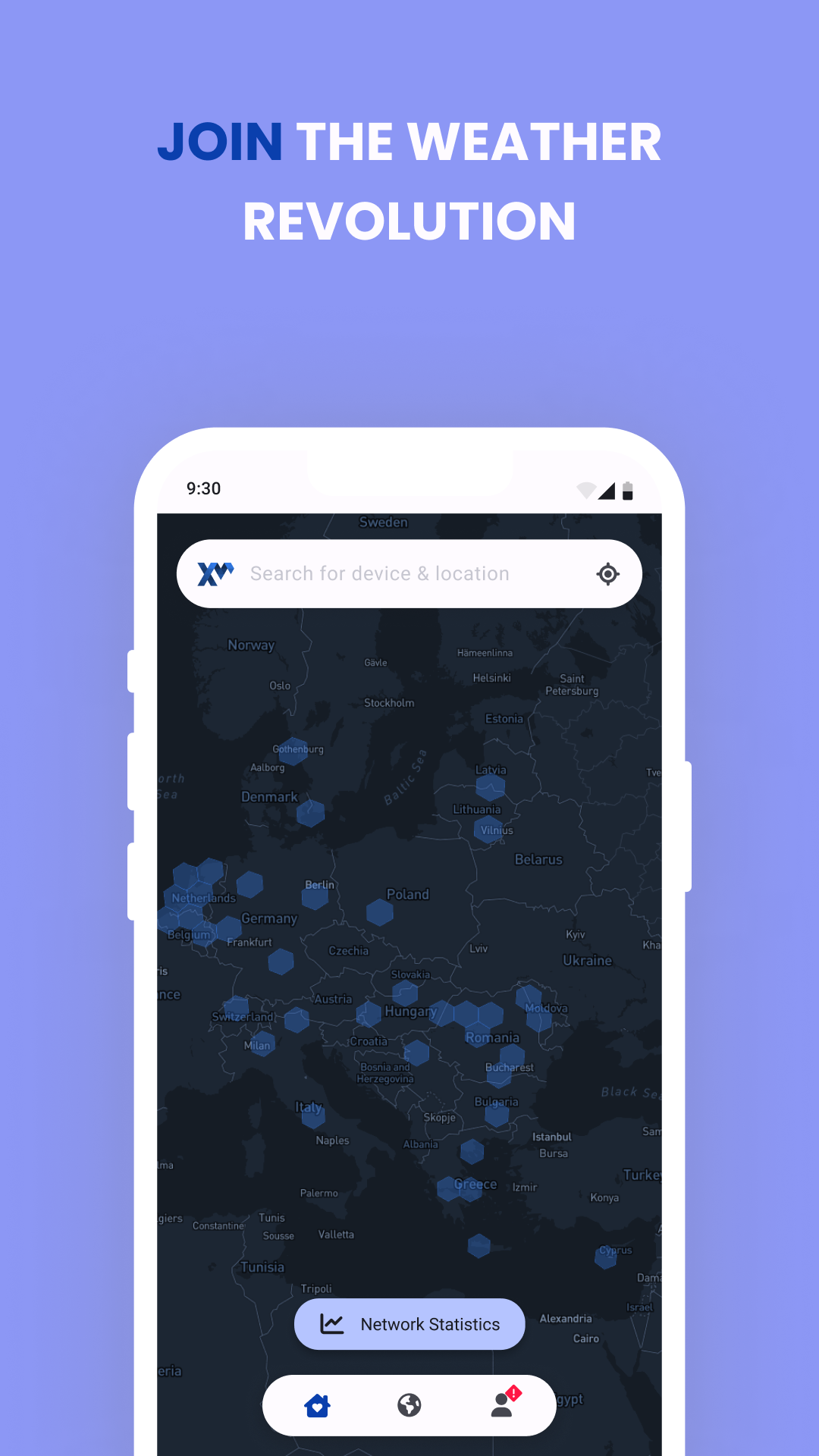
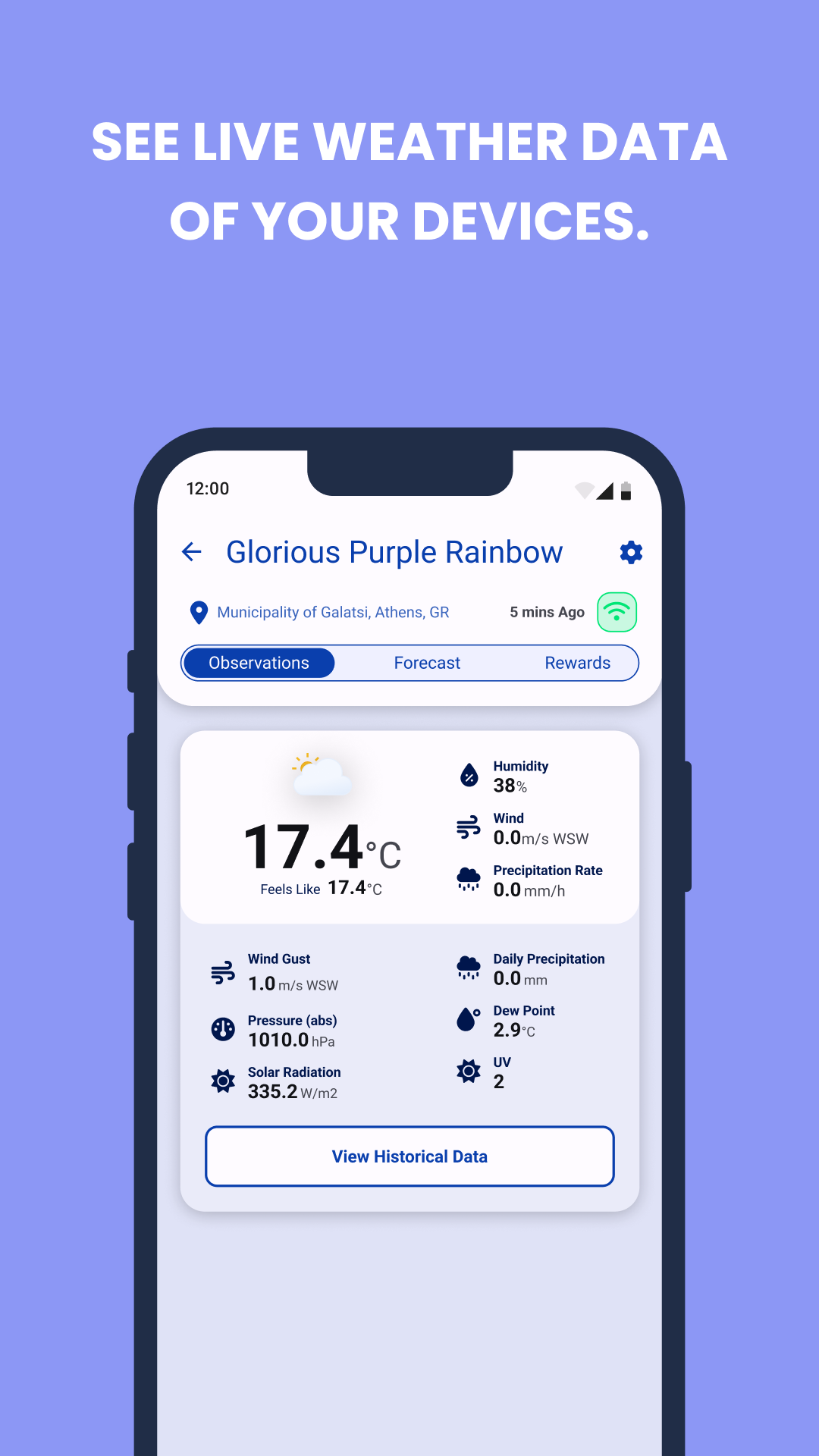
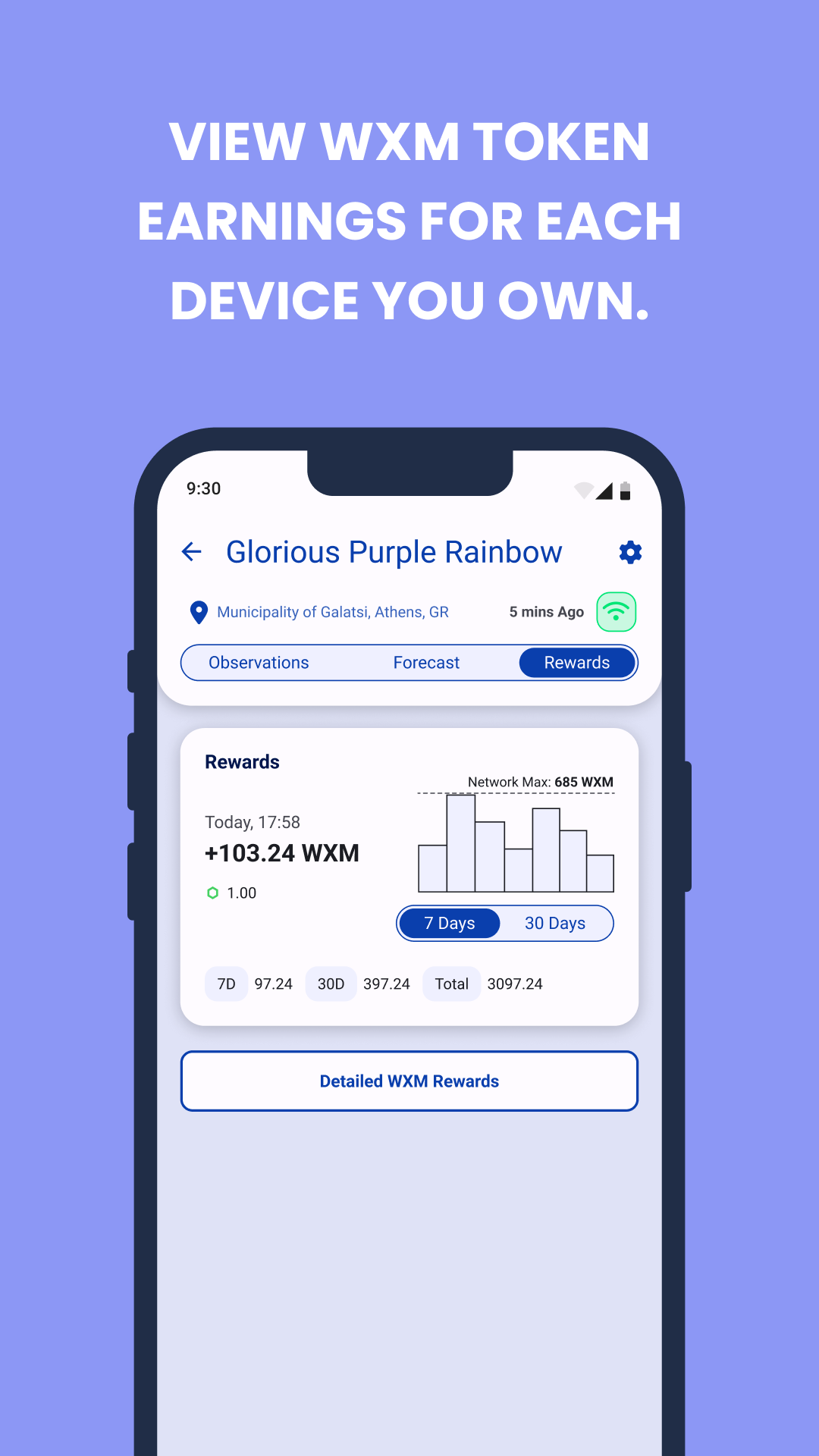
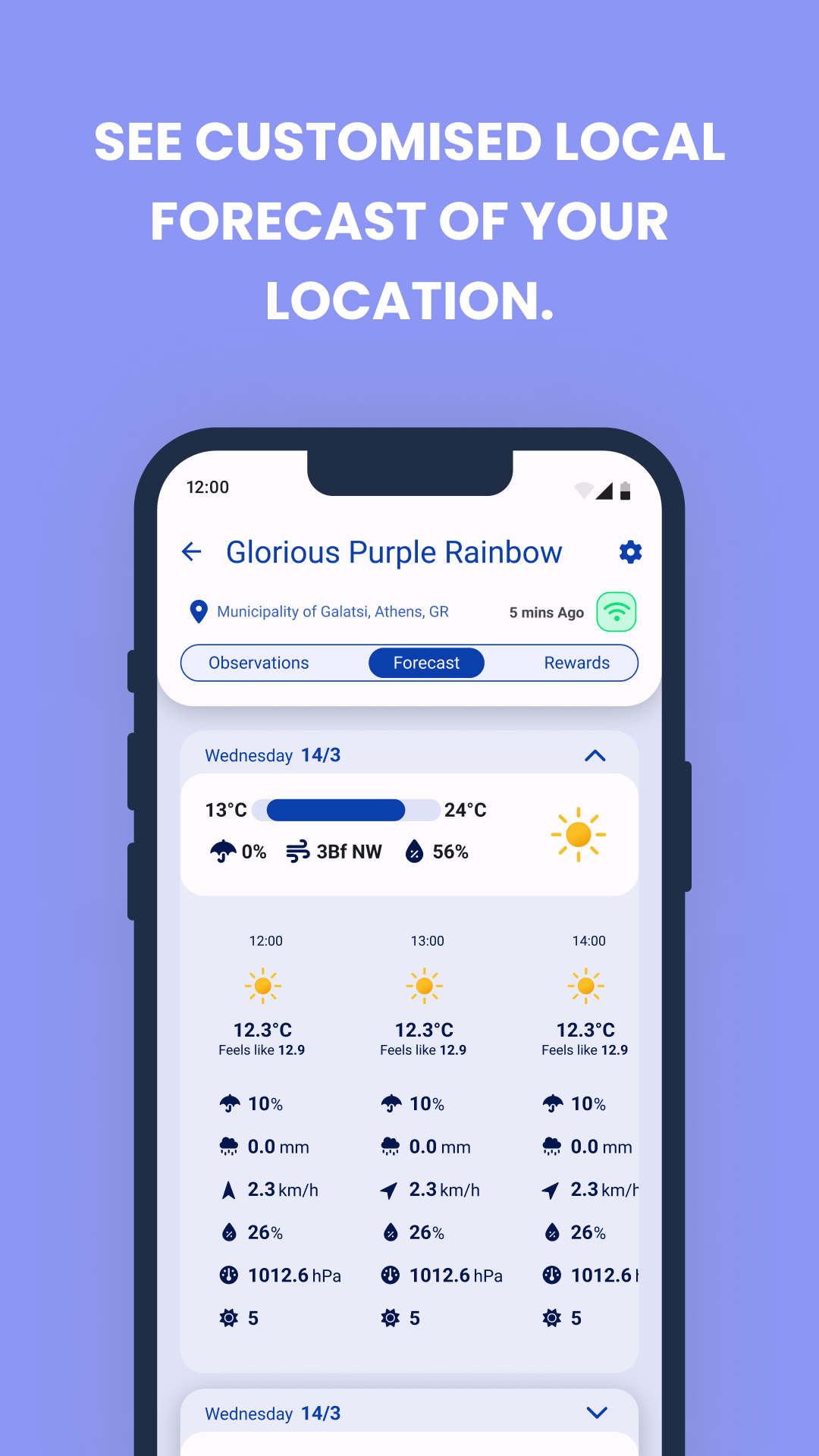
Official screenshots from the Google Play Store listing:
What You Can Do in the Mobile Apps
- Station Claiming & Onboarding: Pair and claim D1, Pulse, H1/H2, and M5 stations via Bluetooth Low Energy (BLE) and Wi-Fi provisioning.
- Station Photo Verification (SPV): Capture and upload the four directional installation photos directly from your phone camera during setup.
- Helium / LoRaWAN Firmware Updates: Perform over-the-air (OTA) firmware updates over Bluetooth for Helium stations.
- Live Conditions & Hyperlocal Forecasts: View real-time temperature, humidity, wind speed/gusts, pressure, precipitation, solar radiation, UV index, and hourly/daily forecasts for your stations or any public station worldwide.
- Daily Rewards & Claiming: Inspect daily QoD v3 scores, reward streaks, and claim accumulated
$WXMtokens directly to your Arbitrum One wallet.
Prefer a Desktop Cockpit?
For multi-station fleet management, deep historical charts, and the Health offline debugger on desktop or browser, use the WeatherXM Web App (app.weatherxm.com) with the same account.